Apple's first folding phone went on sale on 23 October, and within days some owners were reporting cracks along the fold. Apple says a small number of units are affected and is replacing them.
Screens can be replaced. The more lasting question for any business with an iPhone app is what that app looks like when the phone opens into a 7.6-inch tablet.
For most apps today, the answer is: small, centred, with empty space on both sides.
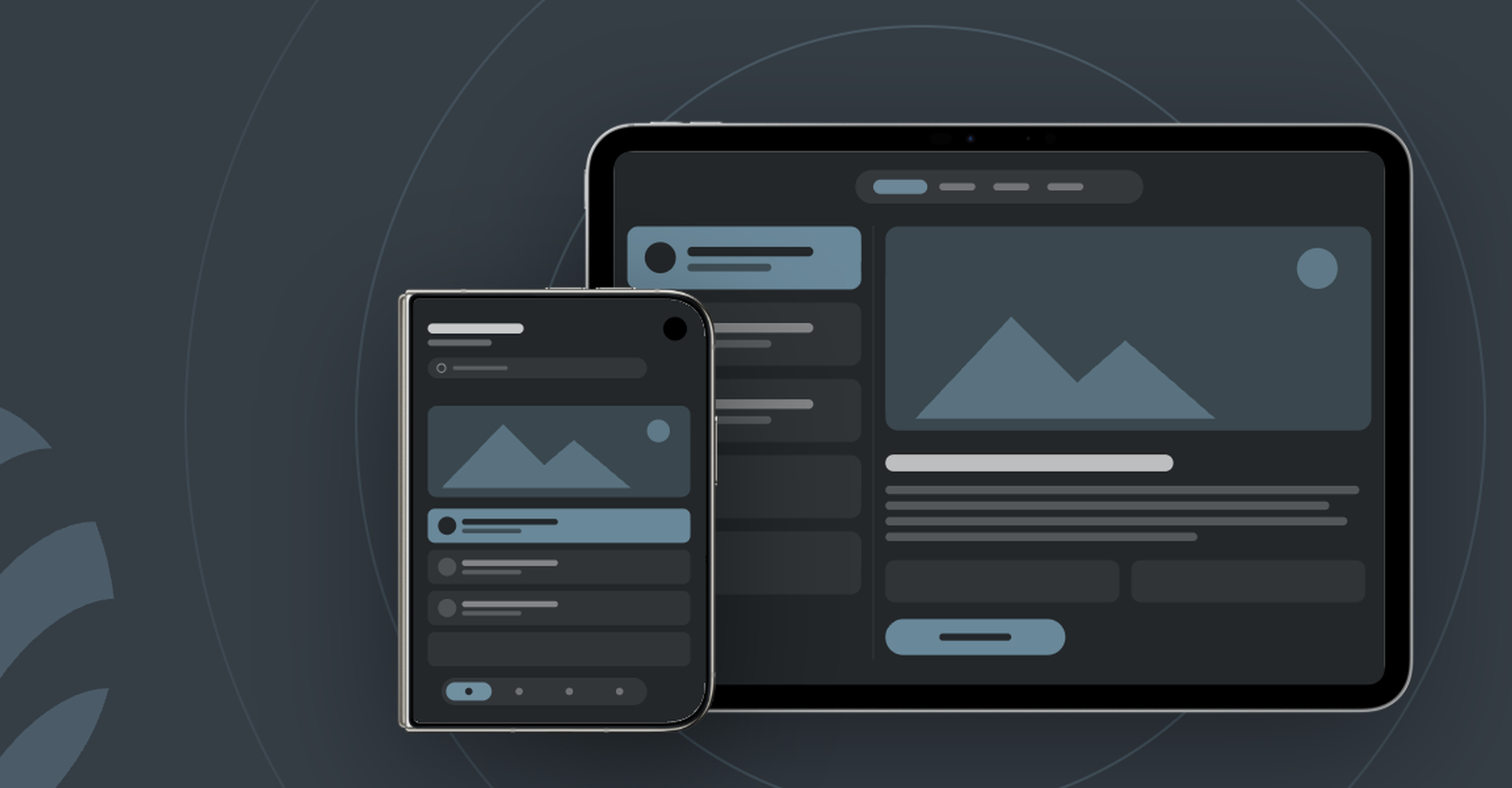
The iPhone Duo has a 5.4-inch outer screen and a 7.6-inch inner one. Both are much squarer than a normal iPhone, so a layout designed for a tall, narrow phone does not simply stretch to fit.
Your app will still run without changes. How it looks depends on how it was last built:
| App last built with | On the open (inner) screen |
|---|---|
| iOS 26 SDK or older | A smaller window in the middle, empty space on both sides |
| iOS 27 SDK | Fills most of the screen, with a gap on the right edge |
| iOS 27.1 SDK, adapted | Fills the screen; eligible for the "Made for iPhone Duo" App Store label |
That label matters. Users who just paid around $2,000 for a phone will notice which apps use the big screen and which look like they were left behind.
Apple has already set two deadlines that apply to every iPhone app, whether or not you plan to adapt for the iPhone Duo:
Apps already on the App Store stay live and keep working if you do nothing. The rules apply as soon as you submit your next update, even a small bug fix. And once your App Store page has to show your app on the iPhone Duo, it needs to look like it belongs there.
What adapting an app actually involves
For a well-built app this is an update, not a rebuild. These are the areas we look at:
Not every app needs a full adaptation today. The iPhone Duo is expensive, stock is limited, and most of your users will be on a normal iPhone for years. But every app with an update planned after April 2027 needs at least the newer build and the iPhone Duo screenshots.
Worth planning now if your app is one where people browse, compare or work: shopping and catalogues, booking, dashboards and reports, field and staff apps, media and reading. These gain the most from a bigger screen.
Can wait for the next regular update if your app is short and simple: a loyalty card, a quick payment, a check-in. Make sure that update happens before April, or at least that you're ready for the new requirements when it does.
Either way, the work behind it is the same: an app that adapts to the screen rather than one designed for a single phone. That also pays off on iPads and on Android foldables, which have been around for years.
Start with a short review: how your app was built, how it behaves on both screens today, and what it would take to adapt it. That gives you a clear choice between "now" and "next update", with a cost attached.
Do it well before April. The worst time to find out your app isn't ready is when you need to push an urgent fix and the App Store won't accept it.
We are starting these conversations with our clients now. If you have an app, with us or with someone else, and want to know where it stands, get in touch.
We talked about the iPhone Duo's rocky start on The Breakroom #70.